

Diabetes App for iPhone
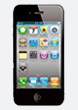
SiDiary is also available as a diabetes app for iPhone (and iPad/iPod Touch) with iOS 8.0 or above. You can install the diabetes app directly from the Apple App Store.

Of course, we would appreciate your fair rating of SiDiary in iTunes. If you are not satisfied with SiDiary, please contact us before you place your comments on iTunes. Very often we can help you with misunderstandings or point you to unexplored functionalities. We're looking forward to your requests!
A short manual for the diabetes app can be found here: SiDiary iPhone-Diabetes-App manual
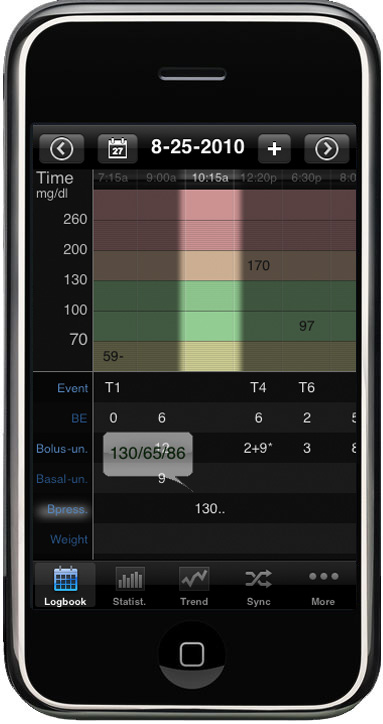
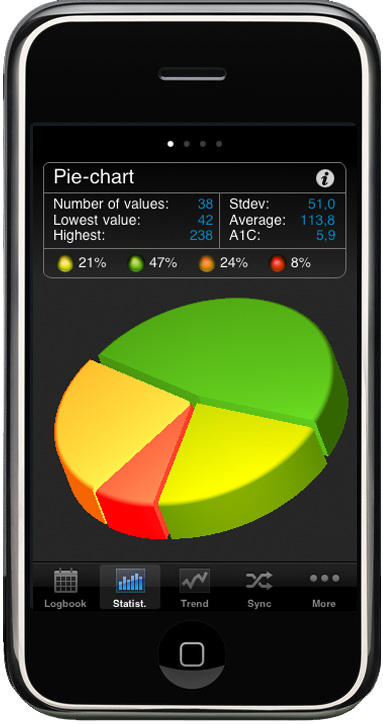

The features of our Diabetes App for iPhone are:
- the easiest entry of all data with the numeric keypad
- all data can be tracked with a scrollable input mask
- clearly arranged display of your daily data in SiDiary's typical style
- lots of statistic-graphics (pie chart, line graph, modal day and detailed statistics)
- trend analysis (how was the progress of your therapy in the last days/weeks/months?)
- fast synchronization of your data with 'SiDiary-Online', from where you can print your data stand-alone from your operating system or synchronize the data with your desktop computer version of SiDiary
- user-defined data types, which you have defined in your pc-version can also be used on the iPhone after a synchronization with 'SiDiary Online'
- blood glucose values can be entered in mg/dL or mmol/L
- body weight can be entered in kg or lbs
- carbohydrates can be entered in gram or any other exchange unit (such as BE/KE, etc.)
- date format dd.mm or mm-dd
- time format 24h or am/pm
- data rows that you don't want to use can be hid
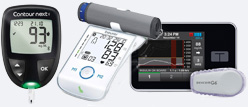
With this App readable Devices:
- Aktivmed GlucoCheck Gold
- Beurer AS87
- Beurer AS97
- Beurer BC57
- Beurer BF600
- Beurer BF700
- Beurer BF710
- Beurer BF800
- Beurer BF850
- Beurer BM57
- Beurer BM77
- Beurer BM85
- Beurer GL50 Evo BLE
- Beurer GS485
- Beurer GL49
- Cignus Profi Line BLE
- Fora Diamond Mini
- Fora Diamond Mini BLE
- Fora 6connect
- Wellion GALILEO GLU/KET BTE
- Wellion LEONARDO GLU/KET BTE
- Wellion NEWTON GDH-FAD BTE
You can use 'SiDiary iPhone' stand-alone, but this version can also enhance the pc-version - e.g. you can download readings from your blood glucose meter, insulin pump, blood pressure meter or pedometer with your pc-version and enter additional data on the way in your iPhone (iPad/iPodTouch) version.
After synchronizing both the desktop computer and your iPhone with 'SiDiary Online' all of your data will be merged into one logbook.
Since synchronization with 'SiDiary Online' will be started manually - you always have the full control of possible costs for your online connection.